GRC Automation for FinTech

Lean Security Team. Enterprise-Grade Compliance. Pick Both!

The best security leaders know compliance enables revenue - enterprise contracts in FinTech need SOC 2, banking partnerships need ISO 27001, market entry needs SAMA CSF. Vamu automates the operational overhead so lean teams can maintain multiple frameworks with ease.

Why Vamu

Built for the Speed of Fintech

Financial innovation moves fast; traditional compliance does not. Don’t let legacy audit processes turn your high-growth startup into a slow-moving bureaucracy.

Faster
Compliance

Accelerate your roadmap. Automate evidence collection to go from zero to audit-ready in weeks, not months

Faster
Compliance

Accelerate your roadmap. Automate evidence collection to go from zero to audit-ready in weeks, not months

Less
Manual Work

Streamline your workflows. Centralize tracking in one platform so your team focuses on growth, not admin.

Cost
Savings

Slash your overhead. Replace expensive consulting with intelligent automation to get certified for half the price.

Cost
Savings

Slash your overhead. Replace expensive consulting with intelligent automation to get certified for half the price.

How Small Teams Maintain Enterprise-Grade Compliance With Vamu

Document once. Comply everywhere.

Enable market expansion and enterprise partnerships without rebuilding from scratch.

Challenge

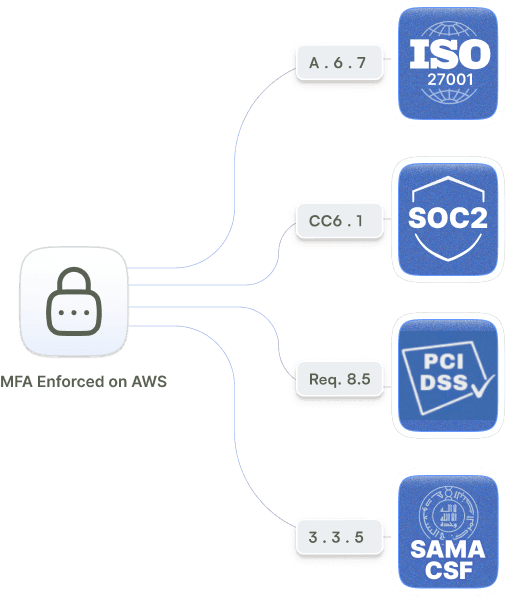
Multiple certifications mean multiple sets of documentation. Access policies written for one standard, rebuilt for another, reformatted for a third. Same controls, different presentations, repeated work.

Solution

VAMU maps controls across all frameworks automatically. Document once - satisfy every requirement simultaneously.

Add certifications through configuration, not duplication.
One dashboard for all user access

Challenge

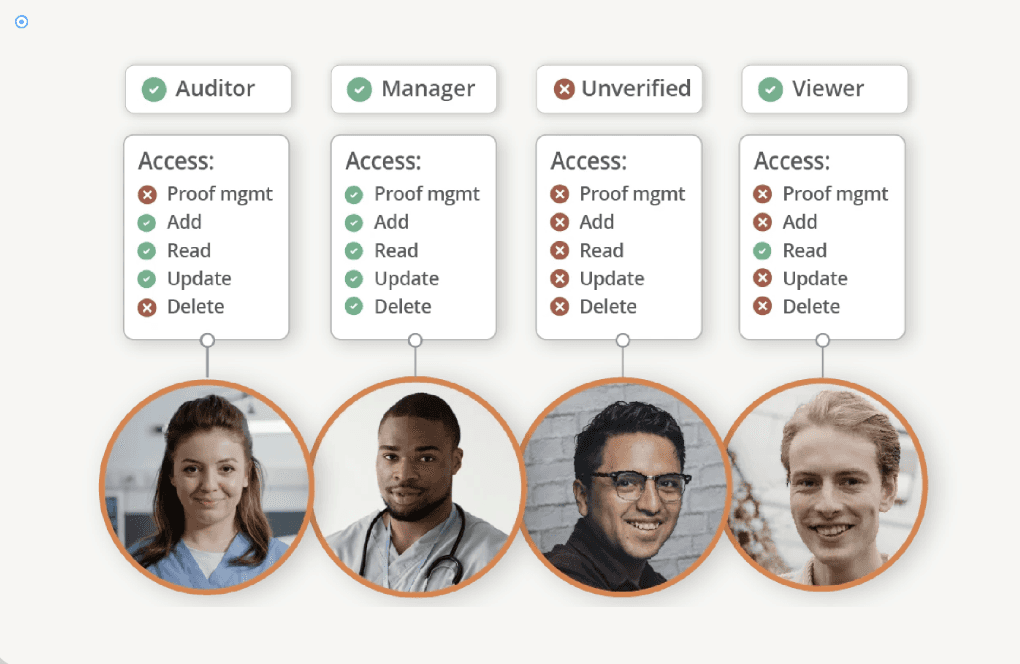
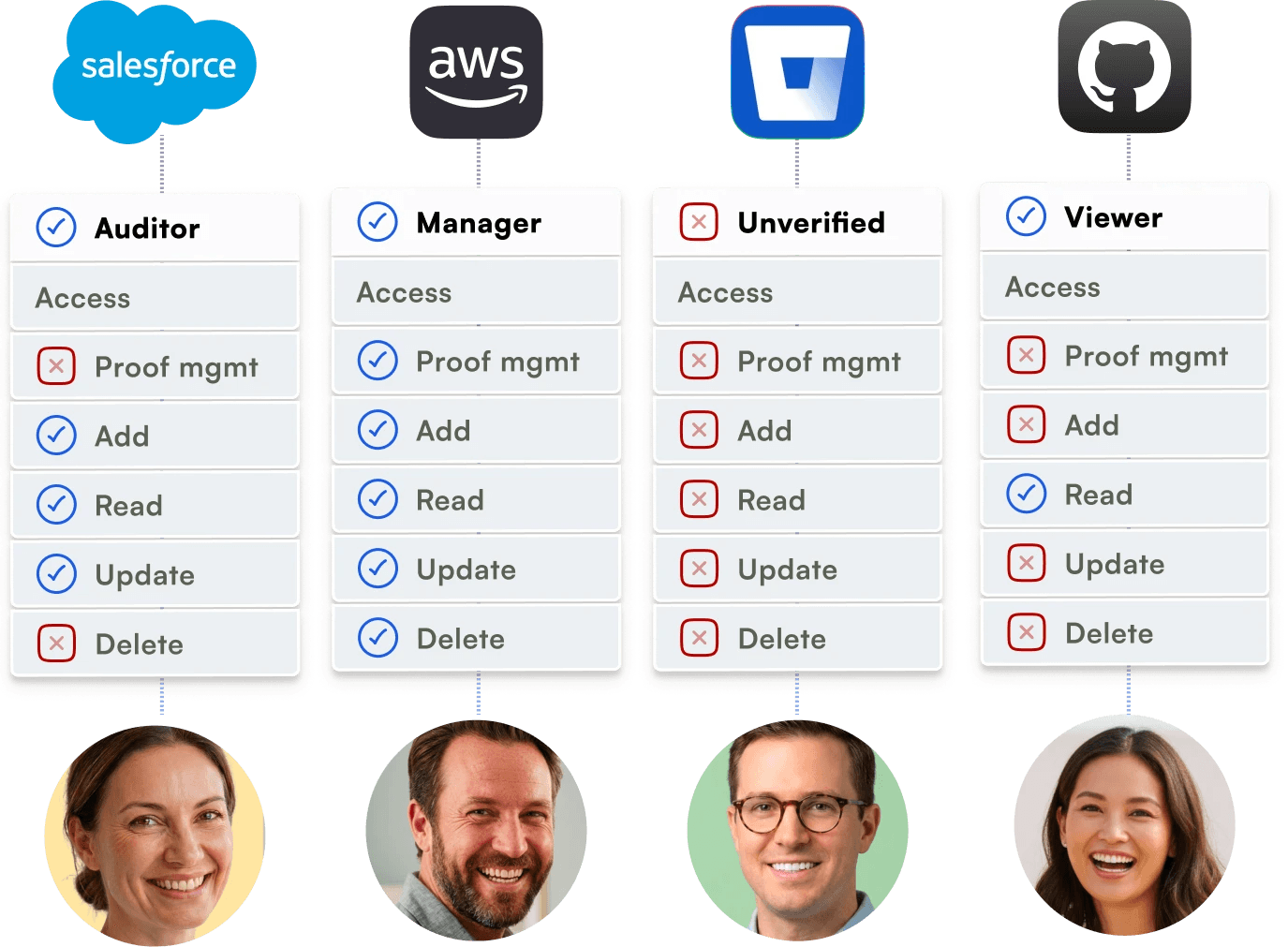
User access data lives in spreadsheets across AWS, Google Workspace, GitHub, payment systems, and databases. Manual tracking creates security gaps and compliance violations. People join, people leave, permissions accumulate. Without centralized visibility, access reviews fail audits

Solution

VAMU centralizes access visibility in one dashboard. See who has access to what across all systems. Automate review workflows.
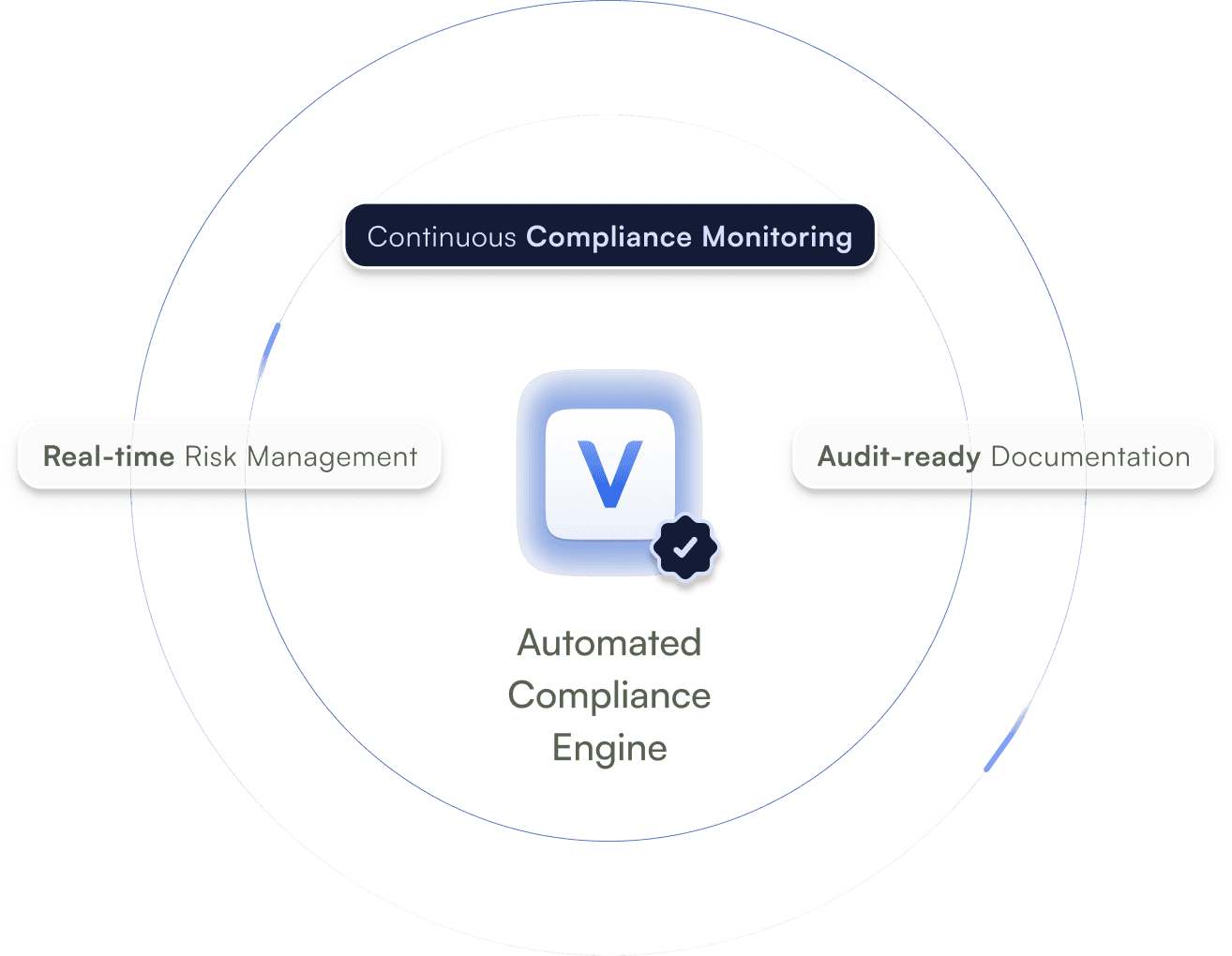
Continuous compliance monitoring, not quarterly scrambles

Challenge

Audits prove compliance once per quarter. Between cycles, infrastructure evolves, people join and leave, permissions accumulate, and new services go live. Compliance status stays unknown until the next two-week scramble to collect evidence.

Challenge

VAMU monitors 24/7 across all frameworks. Evidence collects automatically. Controls test daily. Real-time dashboard replaces quarterly snapshots. Always audit-ready. Always current. Always confident.
Middle East Fintech Essentials

Frameworks that unlock deals, partnerships, and market expansion

Not every framework matters. These four do. They're what banking partners, enterprise customers, payment processors, and Middle East regulators actually ask for. Vamu covers them all.
ISO 27001

The standard banking partners and institutional investors ask for first. Opens doors to enterprise partnerships and funding across markets.

SOC II

Required in almost every enterprise RFP. Proves security controls work over time. The difference between "we'll review" and "let's close."

PCI DSS

Non-negotiable if you process payments. Required by Visa, Mastercard, and every payment processor. Continuous compliance is the operational challenge.

SAMA CSF

Saudi Arabia's cyber security framework for financial services. Mandatory for market entry & operations. Unlikr Global GRC platforms, Vamu supports regional frameworks.

ISO 27001

The standard banking partners and institutional investors ask for first. Opens doors to enterprise partnerships and funding across markets.

PCI DSS

Non-negotiable if you process payments. Required by Visa, Mastercard, and every payment processor. Continuous compliance is the operational challenge.

SOC II

Required in almost every enterprise RFP. Proves security controls work over time. The difference between "we'll review" and "let's close."

SAMA CSF

Saudi Arabia's cyber security framework for financial services. Mandatory for market entry & operations. Unlikr Global GRC platforms, Vamu supports regional frameworks.

ISO 27001

The standard banking partners and institutional investors ask for first. Opens doors to enterprise partnerships and funding across markets.

SOC II

Required in almost every enterprise RFP. Proves security controls work over time. The difference between "we'll review" and "let's close."

PCI DSS

Non-negotiable if you process payments. Required by Visa, Mastercard, and every payment processor. Continuous compliance is the operational challenge.

SAMA CSF

Saudi Arabia's cyber security framework for financial services. Mandatory for market entry & operations. Unlikr Global GRC platforms, Vamu supports regional frameworks.

Clients Who Trust Us

Comply Now, Not Later

Talk to compliance experts who've helped dozens of Middle East Fintechs get certified and stay certified. Whether you're pursuing your first certification or managing six, we'll build a plan that works for your team.

FAQS

How do I draw Frames?

To draw a Frame, click on Layout in the Toolbar, then select Frame. Now, you can click and drag anywhere on the Canvas.

How do I add images?

To add an image, select any Frame, and either double-click on it, or go to the Fill property. In the Fill property, switch to the image icon. Here, you can upload images.

How do I add videos?

To add a video to your site, click the “Insert” button and navigate to the “Media” section. Then, drag and drop a video component onto the Canvas.

How do I add videos?

To add a video to your site, click the “Insert” button and navigate to the “Media” section. Then, drag and drop a video component onto the Canvas.

How do I draw Frames?

To draw a Frame, click on Layout in the Toolbar, then select Frame. Now, you can click and drag anywhere on the Canvas.

How do I add images?

To add an image, select any Frame, and either double-click on it, or go to the Fill property. In the Fill property, switch to the image icon. Here, you can upload images.

How do I add videos?

To add a video to your site, click the “Insert” button and navigate to the “Media” section. Then, drag and drop a video component onto the Canvas.

How do I add videos?

To add a video to your site, click the “Insert” button and navigate to the “Media” section. Then, drag and drop a video component onto the Canvas.

How do I draw Frames?

To draw a Frame, click on Layout in the Toolbar, then select Frame. Now, you can click and drag anywhere on the Canvas.

How do I add images?

To add an image, select any Frame, and either double-click on it, or go to the Fill property. In the Fill property, switch to the image icon. Here, you can upload images.

How do I add videos?

To add a video to your site, click the “Insert” button and navigate to the “Media” section. Then, drag and drop a video component onto the Canvas.

How do I add videos?

To add a video to your site, click the “Insert” button and navigate to the “Media” section. Then, drag and drop a video component onto the Canvas.

How do I draw Frames?

To draw a Frame, click on Layout in the Toolbar, then select Frame. Now, you can click and drag anywhere on the Canvas.

How do I add images?

To add an image, select any Frame, and either double-click on it, or go to the Fill property. In the Fill property, switch to the image icon. Here, you can upload images.

How do I add videos?

To add a video to your site, click the “Insert” button and navigate to the “Media” section. Then, drag and drop a video component onto the Canvas.

How do I add videos?

To add a video to your site, click the “Insert” button and navigate to the “Media” section. Then, drag and drop a video component onto the Canvas.